.gif)
.gif)
.gif)

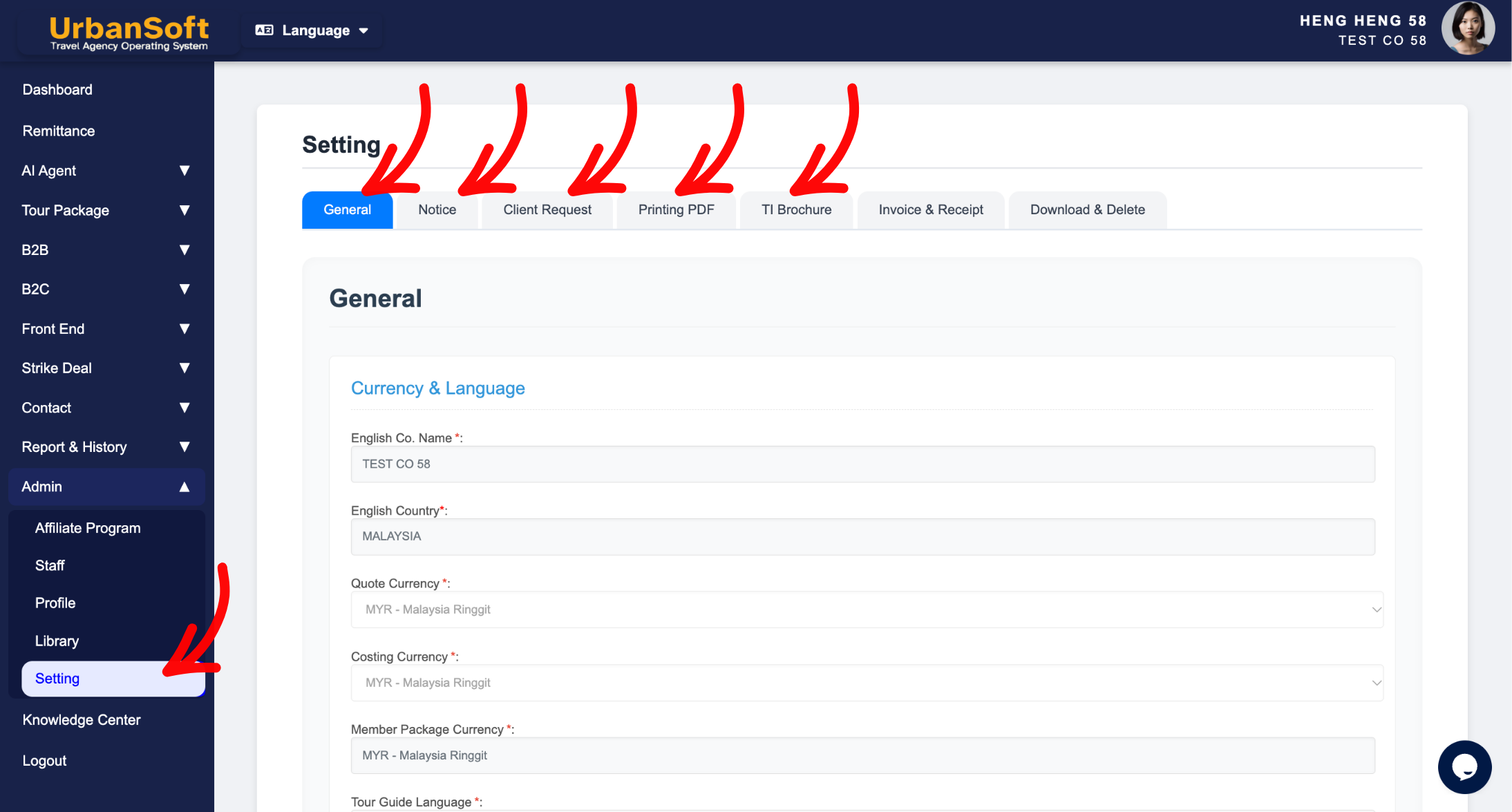
 Can I modify Tour Package information, after setting defaults on the "Admin > Setting" page?
This question addresses whether tour package information remains editable, after setting global defaults on the Setting page in UrbanSoft. In short, YES, you can always modify, customize, and override any tour package details after applying global settings. Presetting defaults serves as a convenient template to save time, rather than a permanent restriction.
What Can I Do?
-
Customize Individual Packages: You can adjust prices, itineraries, terms, inclusions, or operational parameters for any specific tour package to meet unique client requirements.
-
Override Default Values: Even if information is automatically populated from your global defaults, you can change or update those fields whenever needed.
-
Maintain Flexible Products: You can adapt standard package templates into tailored B2B or B2C travel products while keeping your baseline defaults intact for future use.
Example
For example, if your default setting automatically excludes a flight ticket for all new tour packages, you can create a special all in package, and manually change to add in flight ticket detail, and update the pricing directly within that specific tour package.
Important Notes
-
Local Changes Only: Modifying details inside a specific tour package will only apply to that package and will not alter your global templates on the Setting page.
-
Complete Flexibility: System defaults exist purely to streamline repetitive data entry, giving you total freedom to fine-tune each tour package.
-
No Synchronization Backward: Changes made to individual packages do not overwrite global default values or affect other tour packages.
Different Angles: Same Stories, Same Content, New Perspective
-
Am I allowed to edit a tour package after using default settings to create it?
-
Can global default parameters be overridden on a per-package basis?
Same Folder Articles
Related Articles
-
 How to edit or update "My Setting"?
-
How can I preset default information, for all Tour Packages in the "Admin > Setting" page?
-
Will changes made on the "Setting" page, affect my existing "Tour Packages"?
-
What kind of details can be preset on the "Admin > Setting" page?
-
What does "B2B or B2C Internal Deadline" mean in the Setting > General and B2B or B2C?
