.gif)
.gif)
.gif)

 Can I modify invoice & receipt information after setting defaults on the Setting page?
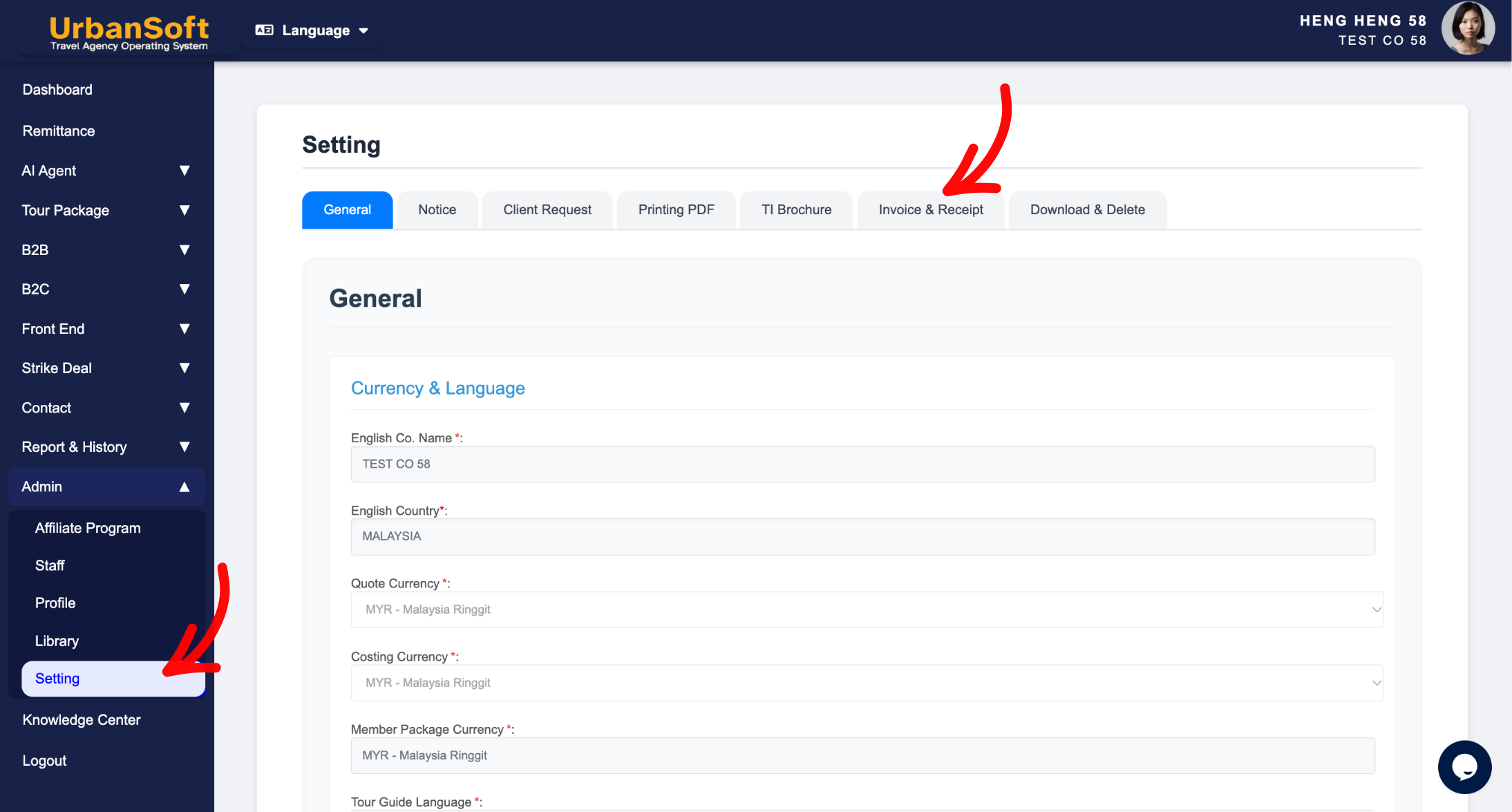
This question addresses whether financial document details—such as quotation, invoices and receipts—remain editable after establishing global defaults on the Setting page in UrbanSoft. In short, YES, you can always modify, customize, and override any quotation, invoice or receipt information after applying global settings. Presetting defaults acts as an automated template to streamline billing workflows, not a permanent locking mechanism.
What Can I Do?
-
Customize Individual Quotaion, Invoices & Receipts: You can adjust line items, amounts, payment terms, client details, taxes, or notes on specific billing documents before finalizing or sending them.
-
Override Preset Bank & Payment Details: Even if payment instructions auto-fill from your global defaults, you can change bank account details or payment methods for a specific transaction whenever necessary.
-
Maintain Billing Flexibility: Adapt standard financial templates to fit unique client agreements, split payments, or special invoicing requests while leaving your baseline settings intact.
Example
For example, if your default setting automatically applies a standard 14-day payment term and Bank A details on new invoices, but a specific VIP client requests a 30-day payment extension and payment via Bank B, you can manually update the terms and bank information directly on that specific invoice without altering your company-wide defaults.
Important Notes
-
Local Changes Only: Modifying details on an individual quotation, invoice or receipt will only affect that specific document and will not overwrite your global defaults on the Setting page.
-
Workflow Control: Once an invoice or receipt is finalized or locked for accounting purposes, system permissions or status checks may apply before further edits can be made.
-
No Backward Syncing: Adjusting individual financial documents does not retroactively change previously issued documents or alter default settings for future invoices.
Different Angles: Same Stories, Same Content, New Perspective
-
Am I allowed to edit an invoice or receipt after auto-populating it with default settings?
-
Can global default bank and payment terms be overridden on individual financial documents?
Same Folder Articles
Related Articles
-
 What information should be include in the "Admin > Setting > Invoice & Receipt" tab?
-
Will changes made on the "Setting" page, affect my existing "invoice & receipt"?
-
How to edit or update "My Setting"?
-
What kind of details can be preset on the "Admin > Setting" page?
-
Will changes made on the "Admin > Setting" page, affect my existing info?
