.gif)
.gif)
.gif)

 Are there any "Password Requirements"?
Yes. To help keep your UrbanSoft account secure, your password must meet several basic security requirements. These requirements make your password stronger and help protect your account from unauthorized access.
What Can I Do?
When creating or changing your password, make sure it contains all of the following:
-
At least 1 uppercase letter (A–Z)
-
At least 1 lowercase letter (a–z)
-
At least 1 number (0–9)
-
At least 8 characters in total
Your password must meet all four requirements before it can be accepted.
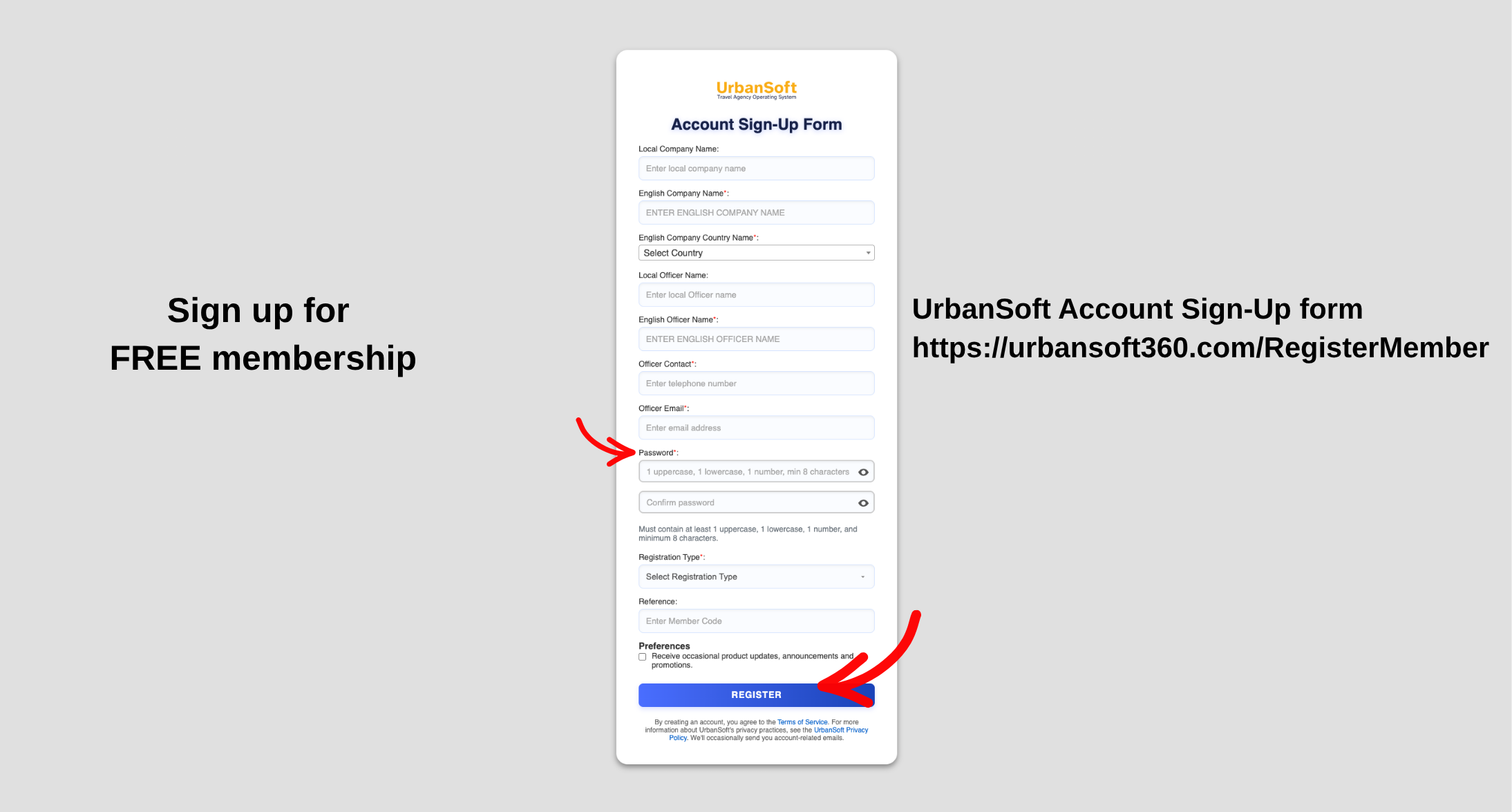
Sign up for FREE Membership
UrbanSoft Account Sign-Up form https://urbansoft360.com/RegisterMember
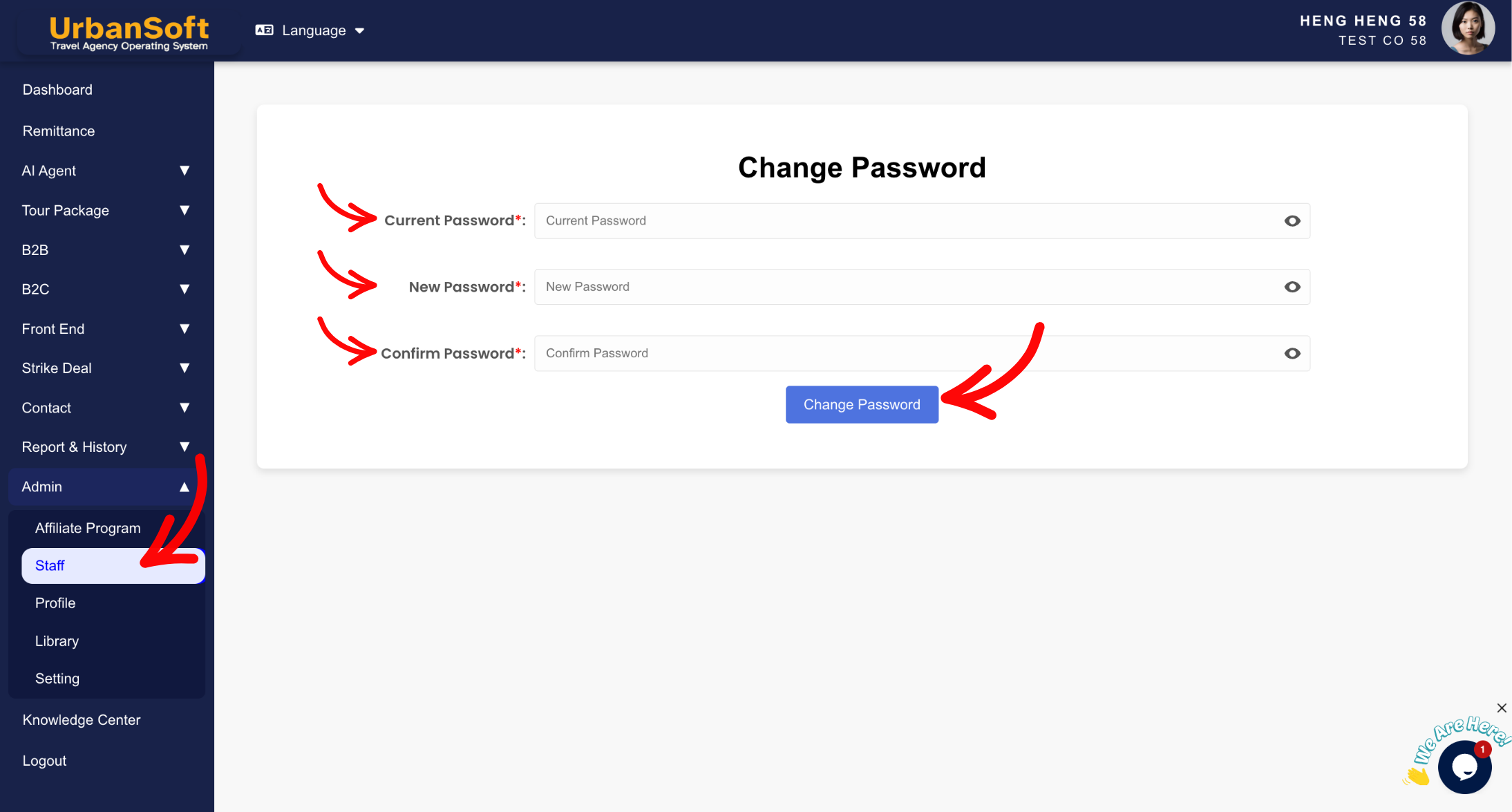
Example
For example, a password such as Travel2026 meets the basic requirements because it contains uppercase letters, lowercase letters, numbers, and has at least 8 characters.
Important Notes
-
The password must contain at least one uppercase letter.
-
The password must contain at least one lowercase letter.
-
The password must contain at least one number.
-
The password must be at least 8 characters long.
-
If any requirement is missing, the password may not be accepted.
-
The passwords only support English characters and numbers. Characters from other languages, such as Chinese, Vietnamese, and Thai, are not supported in passwords.
-
The Confirm Password field must match the Password field.
Different Angles: Same Stories, Same Content, New Perspective
-
What happens if I do not follow the "Password Requirements"?
-
Can I use characters from other languages in my "Password"?
-
Why am I unable to submit my "Password"?
 How to set up my "UrbanSoft Account"?
