.gif)
.gif)
.gif)

 How to get started with “UrbanSoft”?
You will learn how to start using UrbanSoft and prepare your account for daily travel agency operations.
When Do You Use This?
Use this guide when you are new to UrbanSoft or want to start using the platform for the first time.
Before You Start
You need:
-
An UrbanSoft account
-
Your login credentials
-
An active internet connection
-
A web browser
Precautions:
- UrbanSoft is an online platform, so no software installation is required. Make sure you can access your account before getting started.
Step-by-Step
- Open your preferred web browser.
- Access the UrbanSoft online platform, https//urbansoft360.com.
- Log in using your UrbanSoft account credential.
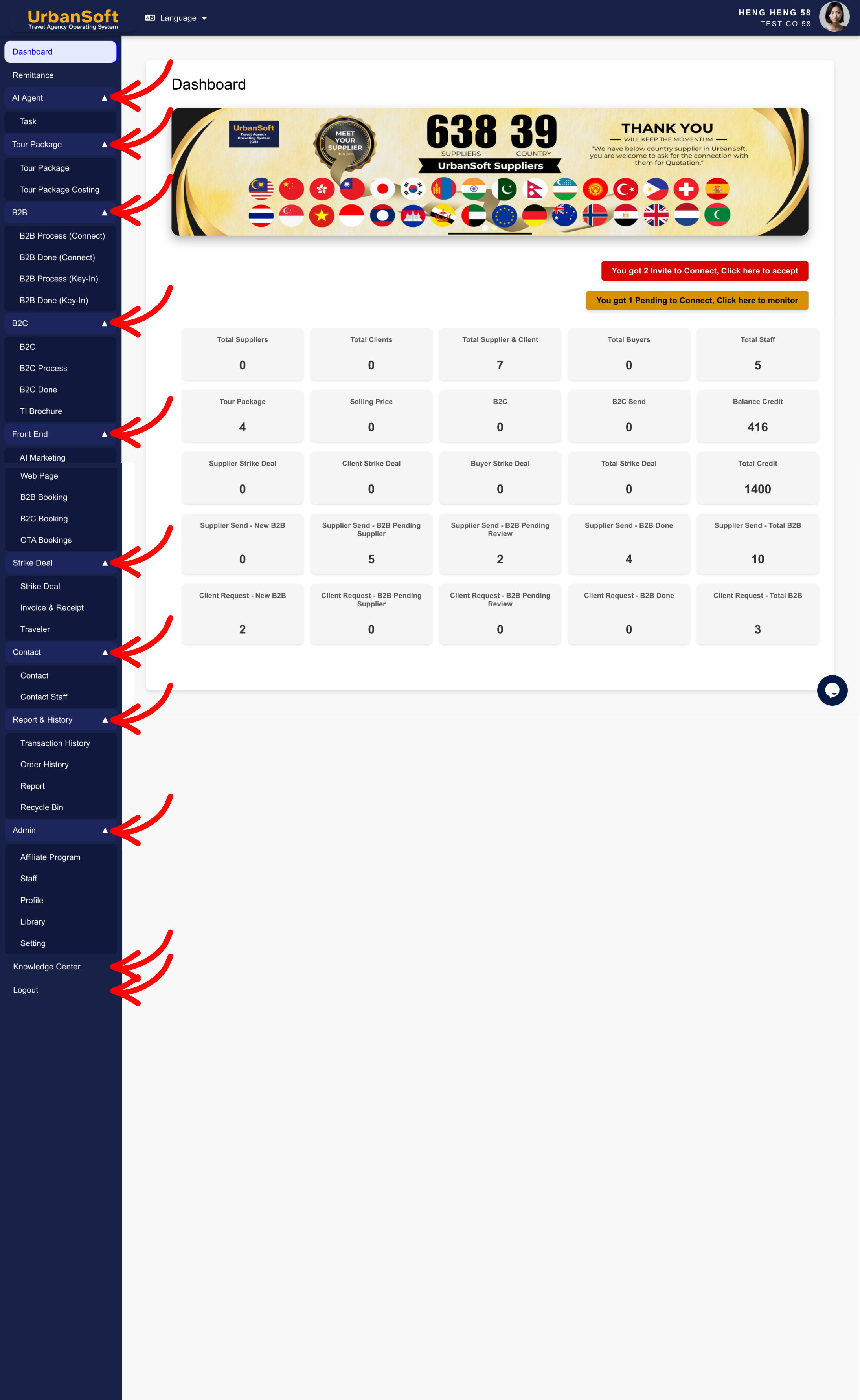
- Review the available functions and start with the features you need for your daily work.
- Create or manage your travel information, such as tour packages, costing, quotations, and other relevant records.
- Explore the available features as you become more familiar with the platform.
Expected Result
You should be able to log in to UrbanSoft successfully and start using the platform for your travel agency daily operations.
Important Notes
- UrbanSoft is a web-based platform and can be accessed through a web browser. You do not need to download or install an application on your computer.
- Start with the functions that are most relevant to your daily operations, then explore other features as needed.
Common Mistakes
-
Trying to install UrbanSoft as a desktop application
-
Using incorrect login credential
-
Starting without an active internet connection
-
Trying to use too many functions before understanding the basic workflow
Different Angles: Same Stories, Same Content, New Perspective
-
H
 How to set up my "UrbanSoft Account"?
