.gif)
.gif)
.gif)

 How can I access "UrbanSoft" if my internet is down?
You will learn what happens when your internet connection is unavailable and when you can access UrbanSoft again.
When Do You Use This?
Use this information when your internet connection is down and you are unable to access UrbanSoft.
Before You Start
You need:
- An active internet connection
- A web browser
Precautions:
- UrbanSoft is an online platform and requires an active internet connection to access its website and features.
Step-by-Step
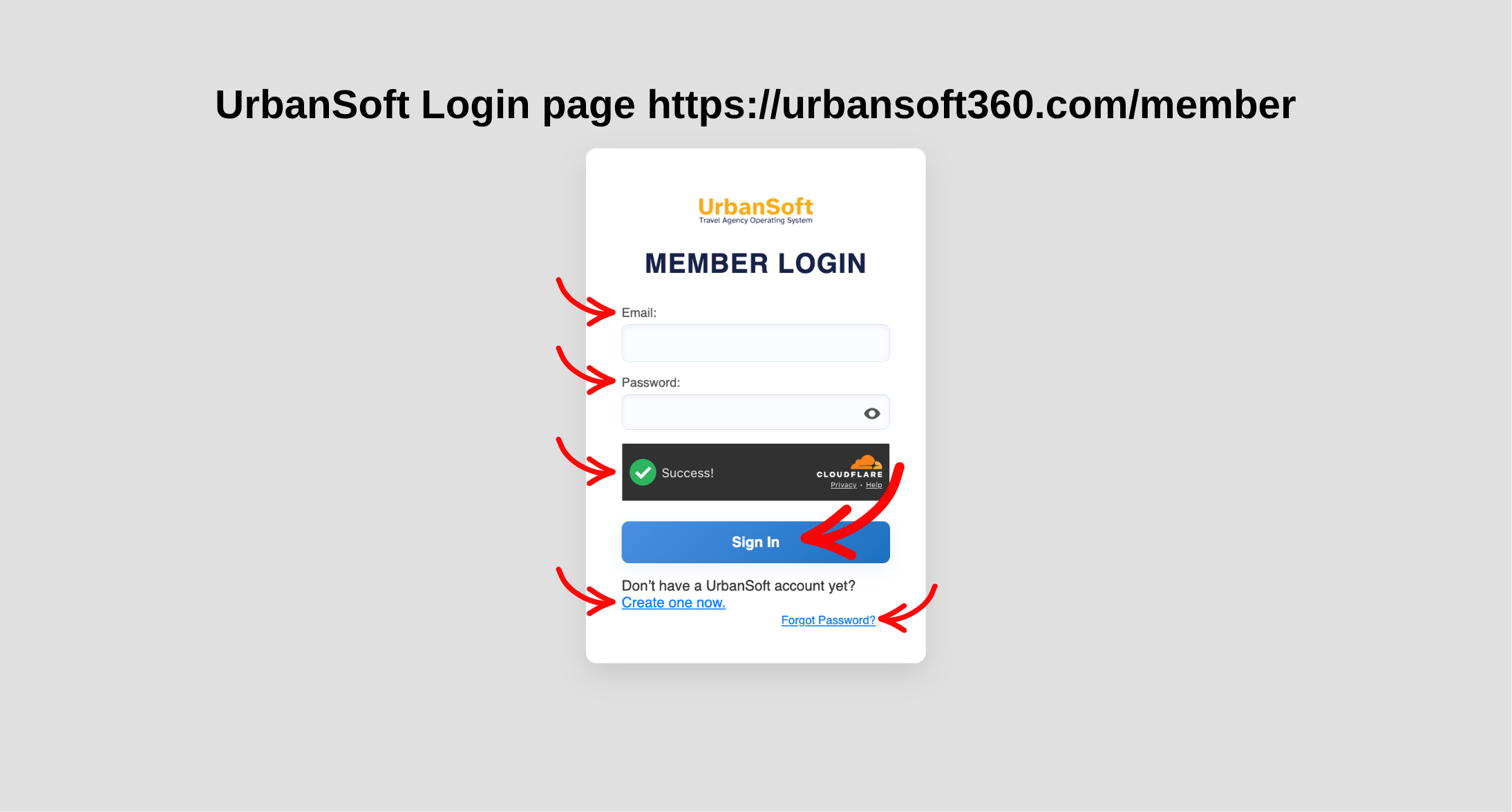
Login in to Your Account
UrbanSoft Member Login page https://urbansoft360.com/member
- Check your internet connection.
- Restore your internet connection if it is unavailable.
- Open your web browser.
- Access UrbanSoft again. https://urbansoft360.com/member/
Expected Result
Once your internet connection is restored, you can access the UrbanSoft website and use its available features.
Important Notes
- UrbanSoft cannot be accessed while your internet connection is down. You need to wait until the connection is restored before using the platform.
Common Mistakes
- Trying to access UrbanSoft without an internet connection
- Assuming UrbanSoft can work offline
- Repeatedly refreshing the page while the internet is still unavailable
Different Angles: Same Stories, Same Content, New Perspective
- H
 What is covered by "UrbanSoft"?
