.gif)
.gif)
.gif)

 How to send an email to "UrbanSoft"?
You will learn how to send an email to UrbanSoft and what information to include so our customer service team can assist you more efficiently.
When Do You Use This?
Use this when you have a question, need assistance, or want to report an issue to UrbanSoft.
Before You Start
You need:
-
Your full name
-
Your company name and UrbanSoft member code
-
A clear subject for your email
-
A clear description of your question or issue
-
Relevant attachments or screenshots, if needed
Precautions:
- Make sure the information you provide is clear and complete. This helps our customer service team understand your request and assist you more efficiently.
Step-by-Step
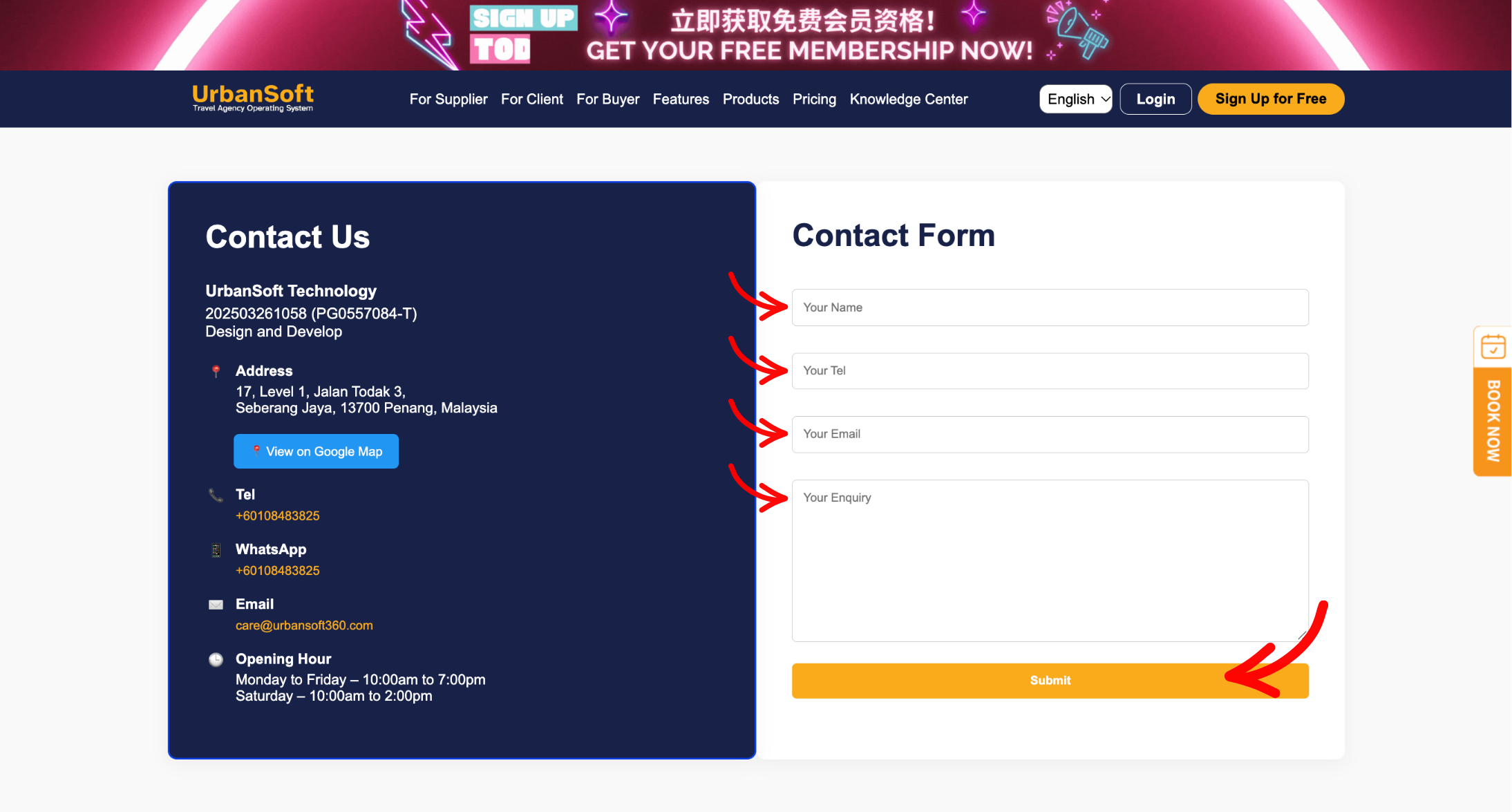
- Open your email application or webmail.
- Create a new email and send it to care@urbansoft360.com.
- Enter your full name and company name with your UrbanSoft member code.
- Add a clear subject line that describes the purpose of your email.
- Describe your question or issue clearly.
- Attach any relevant files or screenshots, if needed.
- Review your email and click Send.
Alternative:
You can also send an email directly from the UrbanSoft webpage. 👉 click here
Expected Result
Your email is successfully sent to UrbanSoft customer service. The customer service team will review your request and respond as soon as possible.
Important Notes
- Always use the official email address care@urbansoft360.com when contacting UrbanSoft by email.
- Providing your company name, member code, a clear subject, and enough details about your question or issue will help the support team assist you more efficiently.
Common Mistakes
-
Sending the email to the wrong address
-
Leaving out your company name or member code
-
Using an unclear subject line
-
Not explaining the question or issue clearly
-
Forgetting to attach a relevant screenshot or file
 What is covered by "UrbanSoft"?
